Prerequisites and General Considerations
As Eclipse is a multi IDE platform, it is necessary to install a plugin to be able to create and build C/C++ projects.
Usually, this is Eclipse CDT (C/C++ Development Tooling), which provides all necessary project templates and tools to code, build and run C/C++ programs, except the compilers. Eclipse will detect installed tool chains supported by CDT during the creation of projects.
Builds are normally done via the internal builders. CDT's managed build system allows fine-tuning many build details per project. Of special interest will be the compile and linking settings for C/C++ files:
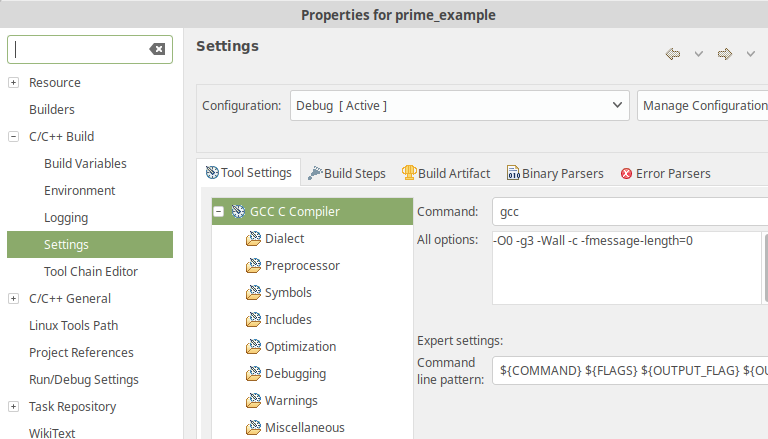
To access the settings, right-click on the project and choose "Properties" from the context menu.
The C/C++-Build settings can be modified for a project, and also for each source file or folder. CDT considers files, folders and projects as resources. Projects and folders are additionally considered containers. If a resource has no explicit configuration for the Command Line Pattern, the configuration of its container will be inherited. This allows a fine-grained approach which files and folders are instrumented, as well as which ctc options are in effect.
In addition, it is possible to create and save multiple build configurations for each project.